
Home & DIY calculator
Tile Waste Allowance Calculator
For 12 m² and an entered 10% allowance, the calculator requires 13.2 m² before whole-pack rounding. With the example's 1.44 m² packs, it returns 10 packs and a purchase quantity of 14.4 m².
Method and practical checks
- Extra material covers cuts and breakage; complex patterns need an allowance chosen for that layout. Keep matching spare tiles.
Amazon
Recommended supplies
As an Amazon Associate I earn from qualifying purchases.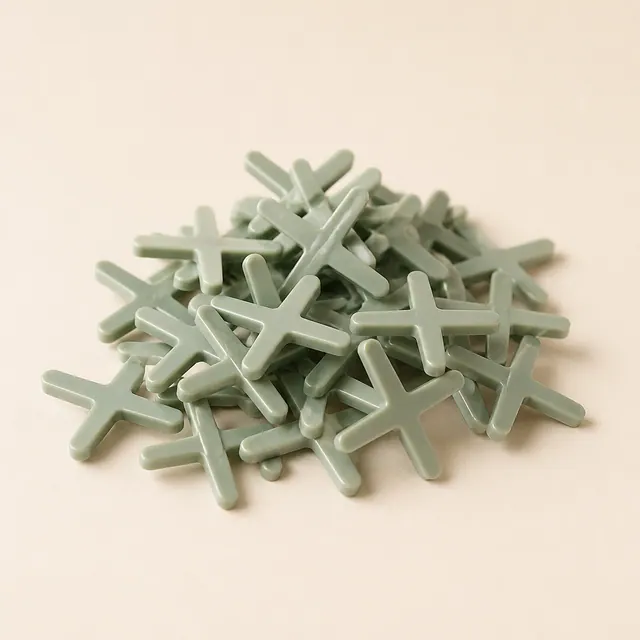
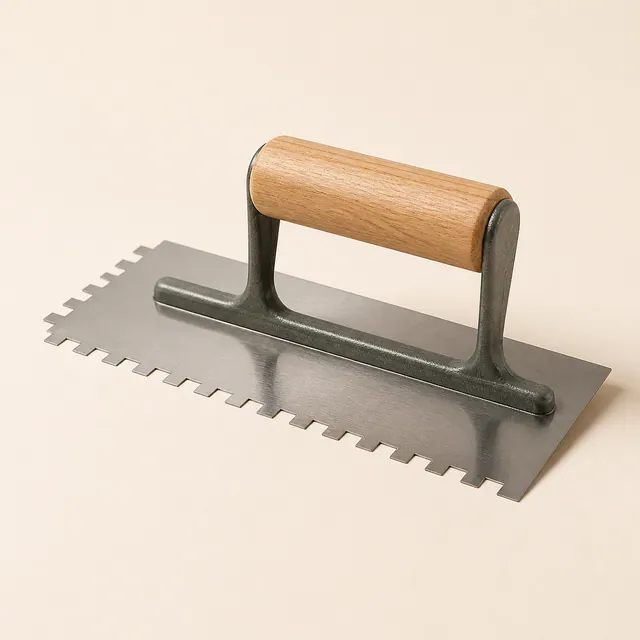
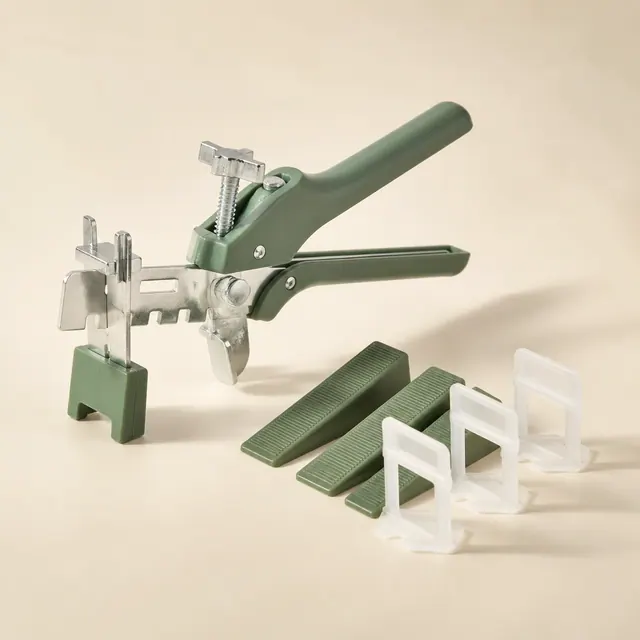
Separate the cutting allowance from whole-pack rounding
This page starts with a measured area and asks how much extra tile that area needs under your chosen allowance. It does not require you to measure the room again through length and width. Enter the net area, the selected tile dimensions, the extra percentage and the actual pack coverage. Read the required quantity separately from the quantity supplied by whole packs.
The calculator applies the entered extra percentage to the measured area before it rounds the tile count and the pack count. These are separate operations: a cutting allowance increases the requirement, while whole-pack rounding determines a purchasable quantity. Do not mistake all material left after buying complete packs for the allowance you selected.
The allowance is a planning input. The calculator does not inspect the room, the laying pattern, damaged material or the cuts around obstacles. Choose the assumption for the actual job and product rather than treating the example percentage as a rule for every installation. If the layout changes, reconsider the assumption and calculate again.
The worked example and reference table are generated from this page's existing tile calculation. The table varies the extra percentage while keeping the stated area, tile dimensions and pack coverage fixed. It shows when an increased requirement crosses a pack boundary; it does not claim that every percentage shown is suitable for your own layout.
Use the pack's stated coverage instead of inferring it from a nominal tile size. The individual tile dimensions help estimate pieces, while the product's pack area governs the purchase calculation. Check that the pack size and units correspond to the exact product you intend to order. Keep matching spare material in mind separately from whether the example happens to leave a remainder.
| Allowance (%) | Measured area (m²) | Required area (m²) | Whole packs |
|---|---|---|---|
| 5 | 12 | 12.6 | 9 |
| 10 | 12 | 13.2 | 10 |
| 15 | 12 | 13.8 | 10 |
| 20 | 12 | 14.4 | 10 |
| 25 | 12 | 15 | 11 |
Frequently asked questions
Is the allowance the same as the material left after buying packs?
No. The allowance is applied to the measured area before purchasing is rounded. The leftover figure compares the whole-pack purchase with the resulting requirement. A pack boundary can create a remainder even with a small allowance. Read both figures rather than interpreting the remainder as a recommended cutting percentage.
Can this choose the correct waste percentage for me?
No. It applies the percentage you enter but does not examine the pattern, room geometry, cutting plan or tile condition. Use information for the actual layout and product. The reference percentages are calculation scenarios, not installation advice or a guarantee that a particular reserve will cover every cut.
Why can the number of packs stay the same when I change the allowance?
Whole packs are discrete. A small change may still fit within the same pack total, while another change crosses the next boundary. The calculator applies the allowance before rounding, so inspect the required area as well as the pack count. Re-enter the actual product's coverage when comparing products.