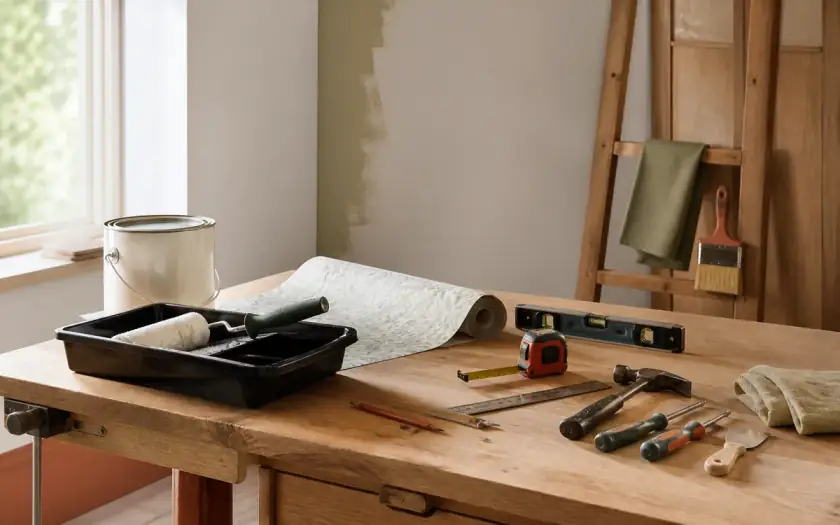
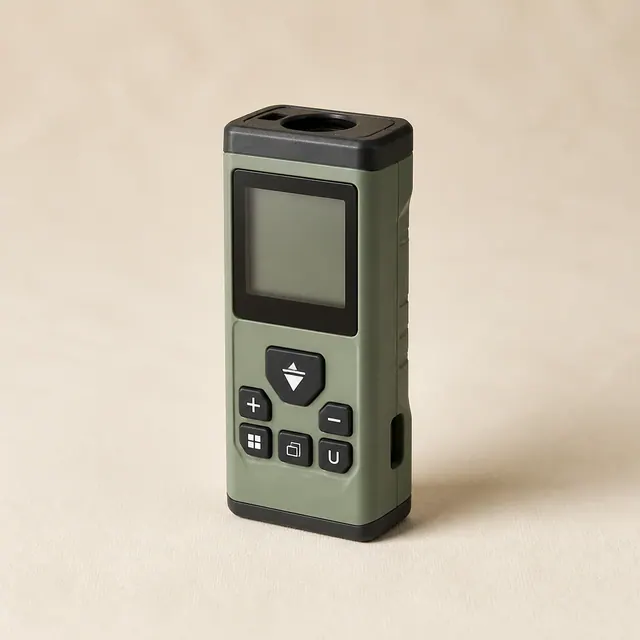
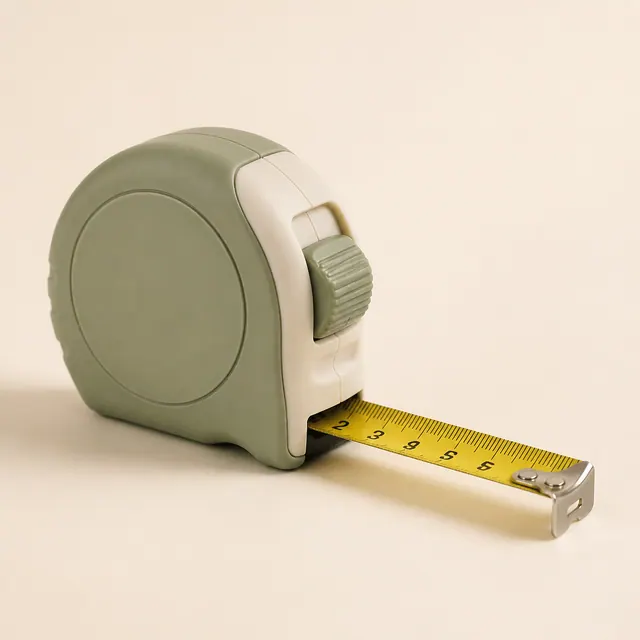
A repeatable wall-measuring method for rooms with doors, windows and uneven sections.
Measure wall length and height first
Record every relevant dimension in the same unit and separate irregular sections. Small measuring errors multiply across an entire project, so check each figure before adding a waste allowance.
Handle openings consistently
Measure large doors and windows, calculate their area and subtract them from the gross wall area. Leaving small openings in the total can provide a modest practical buffer.
Record separate surfaces
Ceilings, trim and feature walls often use different products. Keep their measurements separate rather than combining everything into one paint figure.
Practical checklist
Sketch the room and write each measurement beside its wall.
Use metres throughout to avoid unit mistakes.
Babushka Picks
A short list for the next step
Start with the essential item, add the useful option when it improves the job, and treat the final choice as optional.
Inputs: Walls: [{"length":5,"height":2.5,"count":2},{"length":4,"height":2.5,"count":2}]; Total measured openings: 4.7.
What should I check before using the result?
Example from an existing calculator
Wall Paint Calculator | Babushka Market. This worked example demonstrates the calculation in the linked tool. Its displayed assumptions apply to that example; use the guidance above to decide which measurements, product specifications or quantities belong to your own task.
Worked example
With Length: 5 m; Height: 2.5 m; Number of walls: 2; Length: 4 m; Height: 2.5 m; Number of walls: 2; Total measured openings: 4.7 m²; Coats: 2; Coverage per coat: 10 m²/L; Extra allowance: 10 %; Pack size: 2.5 L, the calculator returns Paintable area: 40.3 m².
Inputs
Inputs
Changed input
Length
5 m
Height
2.5 m
Number of walls
2
Length
4 m
Height
2.5 m
Number of walls
2
Total measured openings
4.7 m²
Coats
2
Coverage per coat
10 m²/L
Extra allowance
10 %
Pack size
2.5 L
Calculated result
Calculated result
Changed input
Paintable area
40.3 m²
Paint before allowance
8.06 L
Required quantity
8.866 L
Packs to buy
4
Purchase quantity
10 L
Left over
1.134 L
Method and assumptions
Litres = net wall area × coats ÷ coverage, then add the chosen allowance. Tin counts round up; primer and finish coats need separate plans.
Common-value reference
The reference cases change only Total measured openings. The remaining inputs stay at the displayed values. These are worked scenarios, not universal rates, dimensions, product specifications or current shop prices.
Common-value reference
Total measured openings
Paintable area
Total measured openings: 4.7 m²
Paintable area: 40.3 m²
Total measured openings: 2.35 m²
Paintable area: 42.65 m²
Total measured openings: 7.05 m²
Paintable area: 37.95 m²
Total measured openings: 9.4 m²
Paintable area: 35.6 m²
Total measured openings: 14.1 m²
Paintable area: 30.9 m²
Questions and answers
How is this example calculated?
In the displayed example, Length: 5 m; Height: 2.5 m; Number of walls: 2; Length: 4 m; Height: 2.5 m; Number of walls: 2; Total measured openings: 4.7 m²; Coats: 2; Coverage per coat: 10 m²/L; Extra allowance: 10 %; Pack size: 2.5 L. The calculated outputs are Paintable area: 40.3 m²; Paint before allowance: 8.06 L; Required quantity: 8.866 L; Packs to buy: 4. Keep the labels and units with these numbers: they describe this particular combination of inputs, not a result that can be reused after the measurements or assumptions change.
What changes when I edit Total measured openings?
The table isolates that input while keeping the other displayed settings fixed. For Total measured openings: 2.35 m², the result is Paintable area: 42.65 m²; for Total measured openings: 14.1 m², it is Paintable area: 30.9 m². Those values come from the same calculator used on this page. They show the effect of changing the input, rather than prescribing which input is right for your own task.
How should I use the different result figures?
Read each named quantity separately: Paintable area: 40.3 m²; Paint before allowance: 8.06 L; Required quantity: 8.866 L; Packs to buy: 4. A value with a different label or unit answers a different part of the calculation. Check the measurements and assumptions before using any figure. The reference cases explain the arithmetic under their stated conditions; they do not verify a product label, a recipe or the conditions of a particular project.